Settings
The Settings section allows you to manage your personal preferences in the Cloud Management Portal. It allows you to personalize your experience in the Cloud Management Portal, ensuring you receive the right information at the right time.
Use this page to:
- Update your profile information.
- Control how and when you receive notifications.
- Stay informed about application updates.
Settings apply only to your user account, not to environments or other users.
This means:
- Changes affect only your personal experience
- No impact on environments or system configuration
Overview
The Settings section is divided into the following areas:
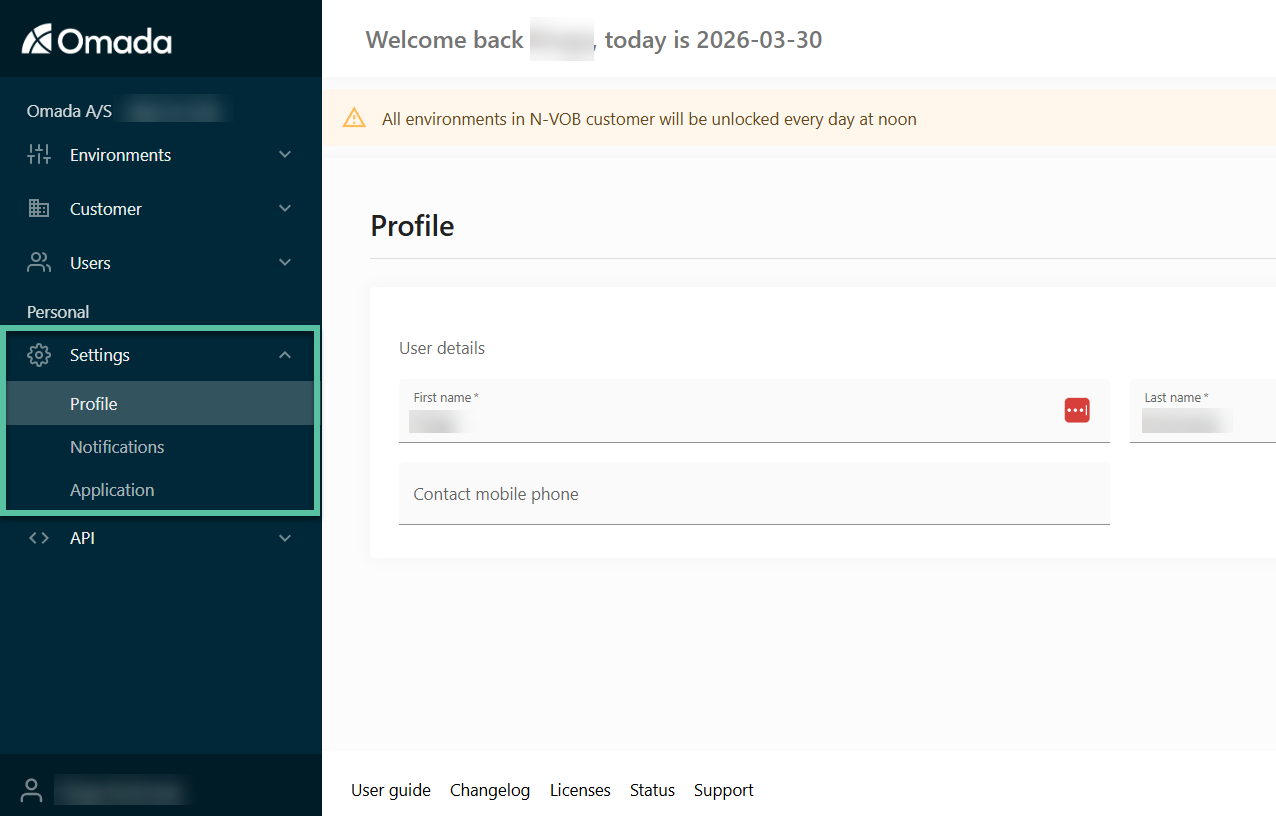
- Keep your email up to date to receive important notifications
- Enable notifications for critical environments
- Review application updates regularly to stay informed
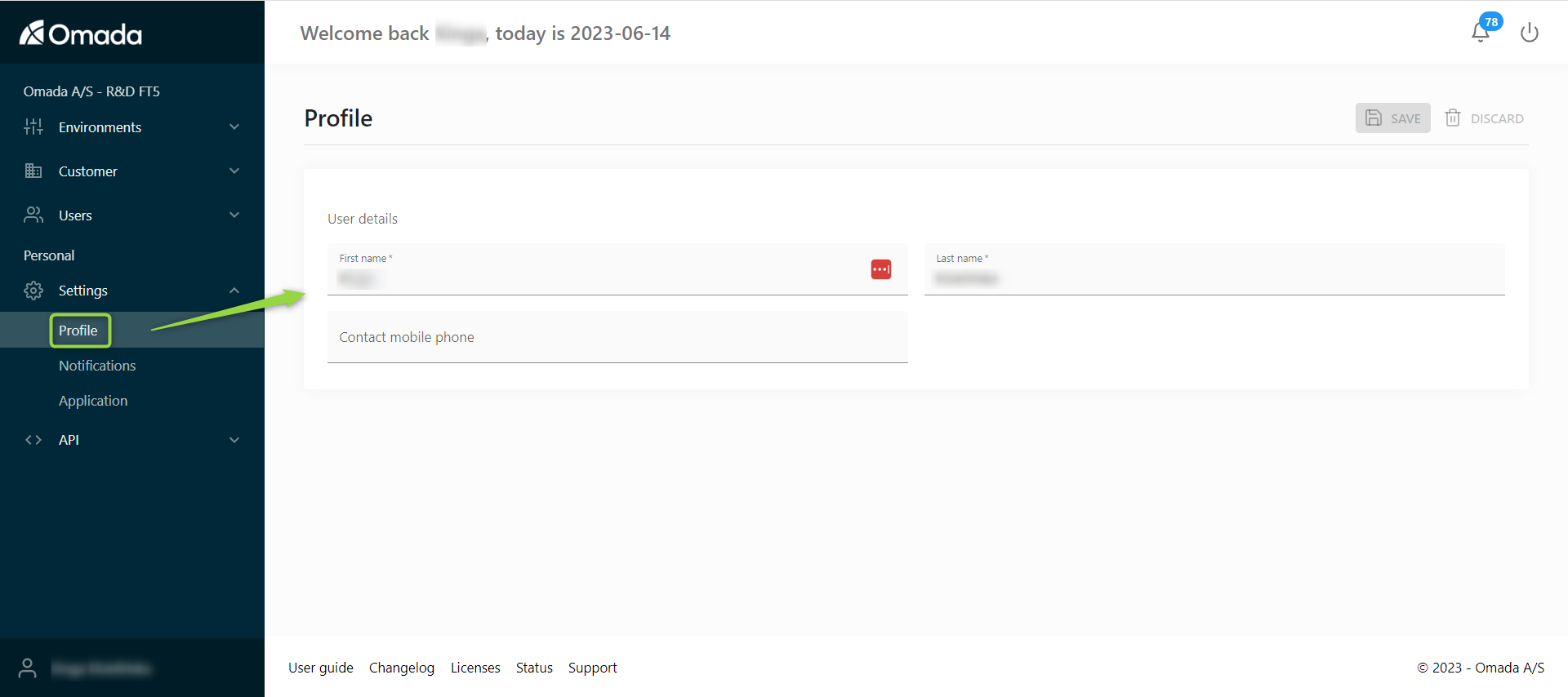
Profile
Manage your personal information:
-
Update your name.
-
Update your email address.
Notifications
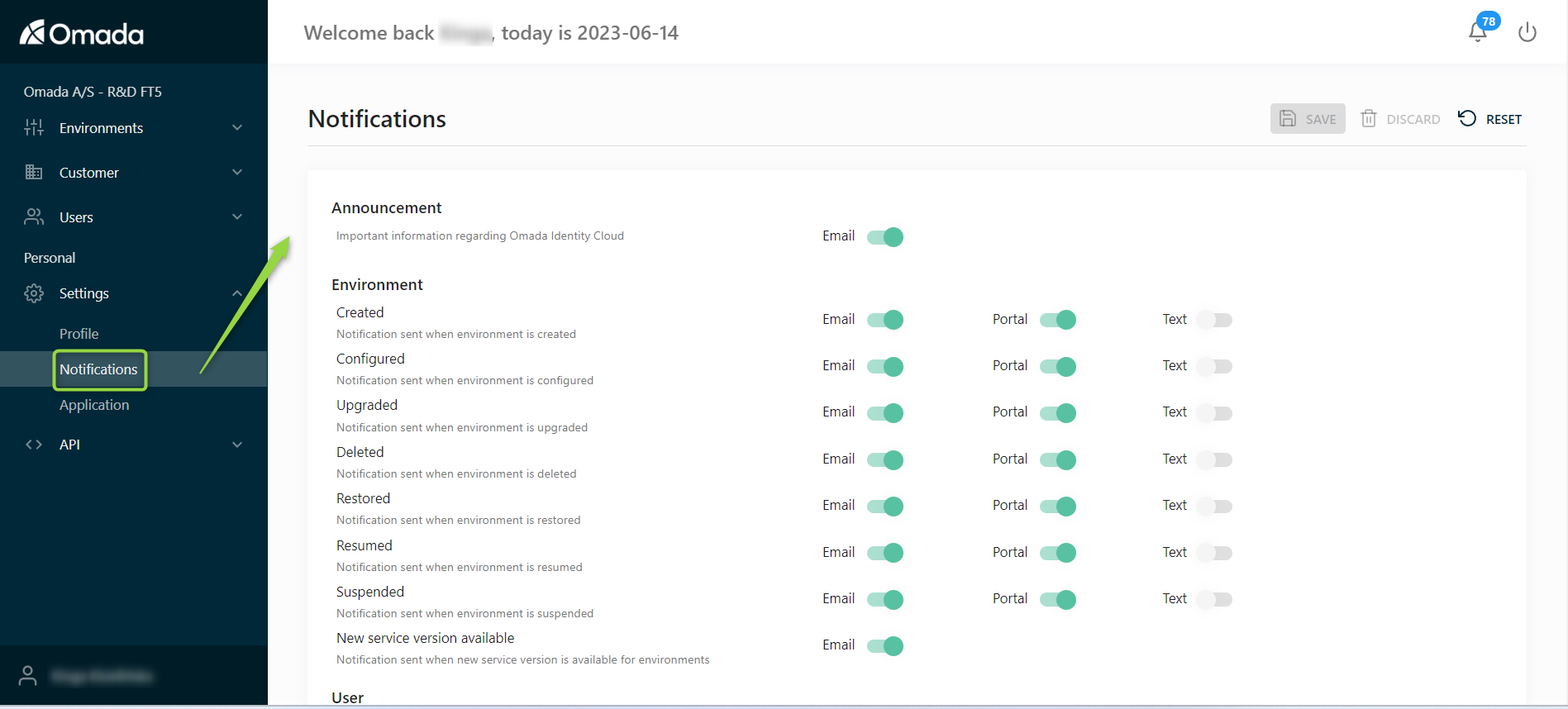
Control how you receive notifications related to environments you follow.
You can:
- Enable or disable notifications.
- Choose notification channels:
-
Email
-
Portal
-
SMS (if a phone number is configured)
-
👉 Use this to stay informed about environment status and changes.
Application
Manage application-level notifications:
-
Display a pop-up message on login.
-
Highlight new features or updates in the portal.
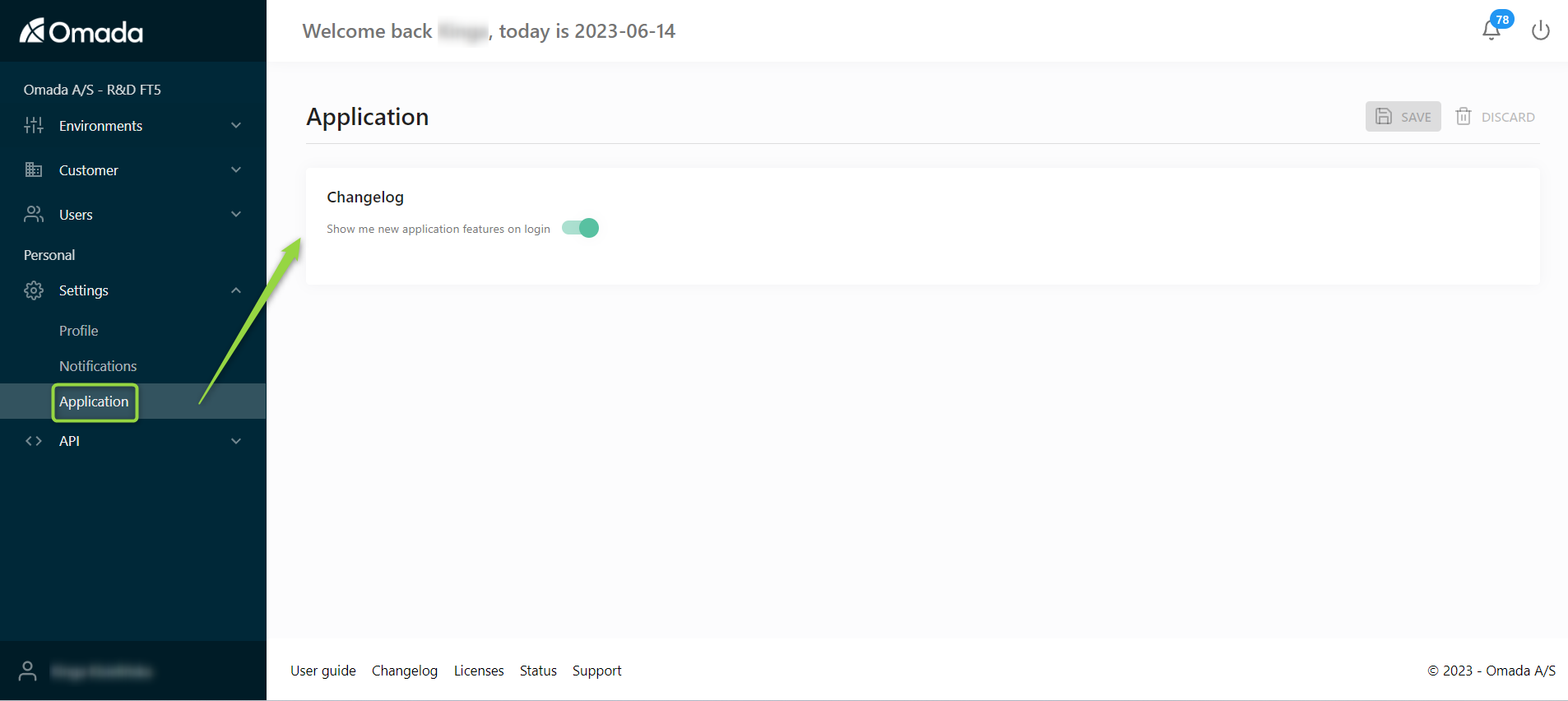
👉 Useful for staying up to date with platform changes.