Azure SQL databases
To use Azure Structured Query Language (SQL) databases with your on-premises installation, follow these steps:
-
Create the Azure SQL databases. Use the
SQL_Latin1_General_CP1_CI_AScollation.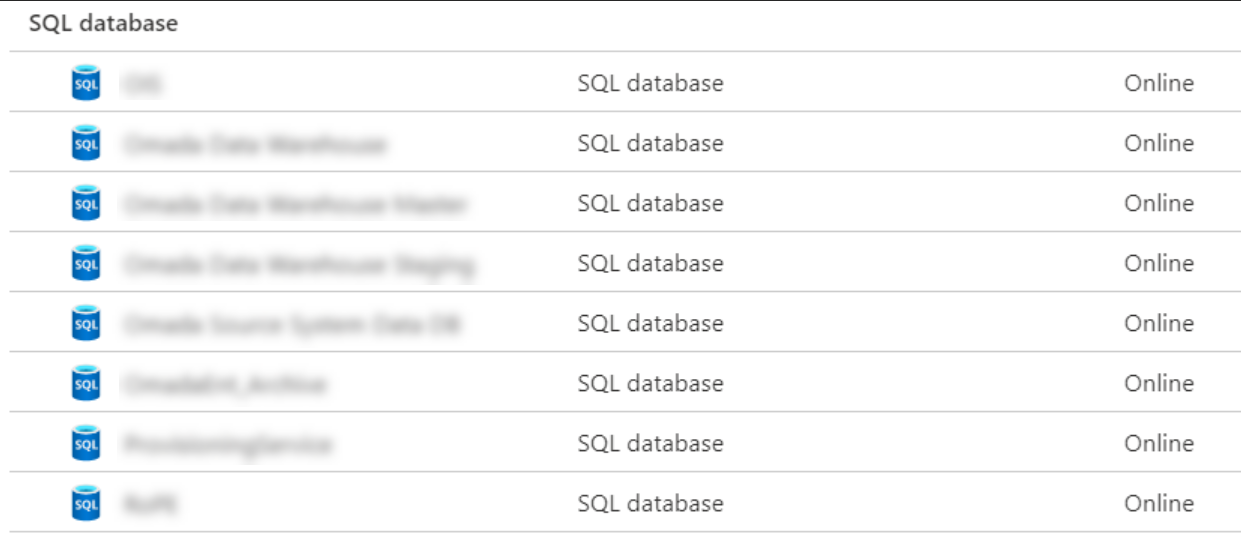
-
Update the Microsoft SQL Server (MSSQL) node in the configuration file by modifying these settings:
Setting Description Server Enter the server address shown in the Microsoft Azure portal. Administrator Enter the administrator name set when you created the Azure server. AdministratorPassword Enter the administrator password set when you created the Azure server. IntegratedSecurity Set this to False. SQL Server Integration Services (SSIS) and SQL Server Analysis Services (SSAS) are not available in Azure SQL Database. Set SSIS and SSASServer to the on-premises servers where these services run.
Example<?xml version="1.0" encoding="utf-8"?><Configuration><Version Type="LocalCopy"><MSSQL><Version>2019</Version><VersionNo>15</VersionNo><Server>[SERVER_ADDRESS]</Server><SSIS>[SSIS_SERVER]</SSIS><Administrator>[USER_NAME]</Administrator><AdministratorPassword>[USER_PASSWORD]</AdministratorPassword><IntegratedSecurity Enabled="false"></IntegratedSecurity><RsHttps>false</RsHttps><RsOnAppServer>true</RsOnAppServer><SSRSPath>C:\Program Files\Microsoft SQL Server Reporting Services\SSRS\</SSRSPath><SSASServer>[SSAS_SERVER]</SSASServer><SSASCatalog>OIS</SSASCatalog></MSSQL>... -
Update the Enterprise Server (ES) (ES), Omada Provisioning Service (OPS) (OPS), Omada Identity Data Warehouse (ODW), and Role and Policy Engine (RoPE) (RoPE) nodes in the configuration file. For each node, modify these settings:
Setting Description DBUser Enter the database user name created for your Azure SQL server. DBPassword Enter the database password created for your Azure SQL server. Example<OPS Enabled="true"><Version>16.0.x</Version><DropFolder>\\server\drop\OPS\Rel\v16.0\</DropFolder><Name>Omada Provisioning Service</Name><Exe>Omada Provisioning Service.exe</Exe><DBName>ProvisioningService</DBName><DBUser>[Database_User]</DBUser><DBPassword>[Database_Password]</DBPassword>...