Inspect calculation results and logs
You can review an identity's calculated assignments, compare calculation results, and examine the calculation log for processing details and errors.
Assigned resource overview
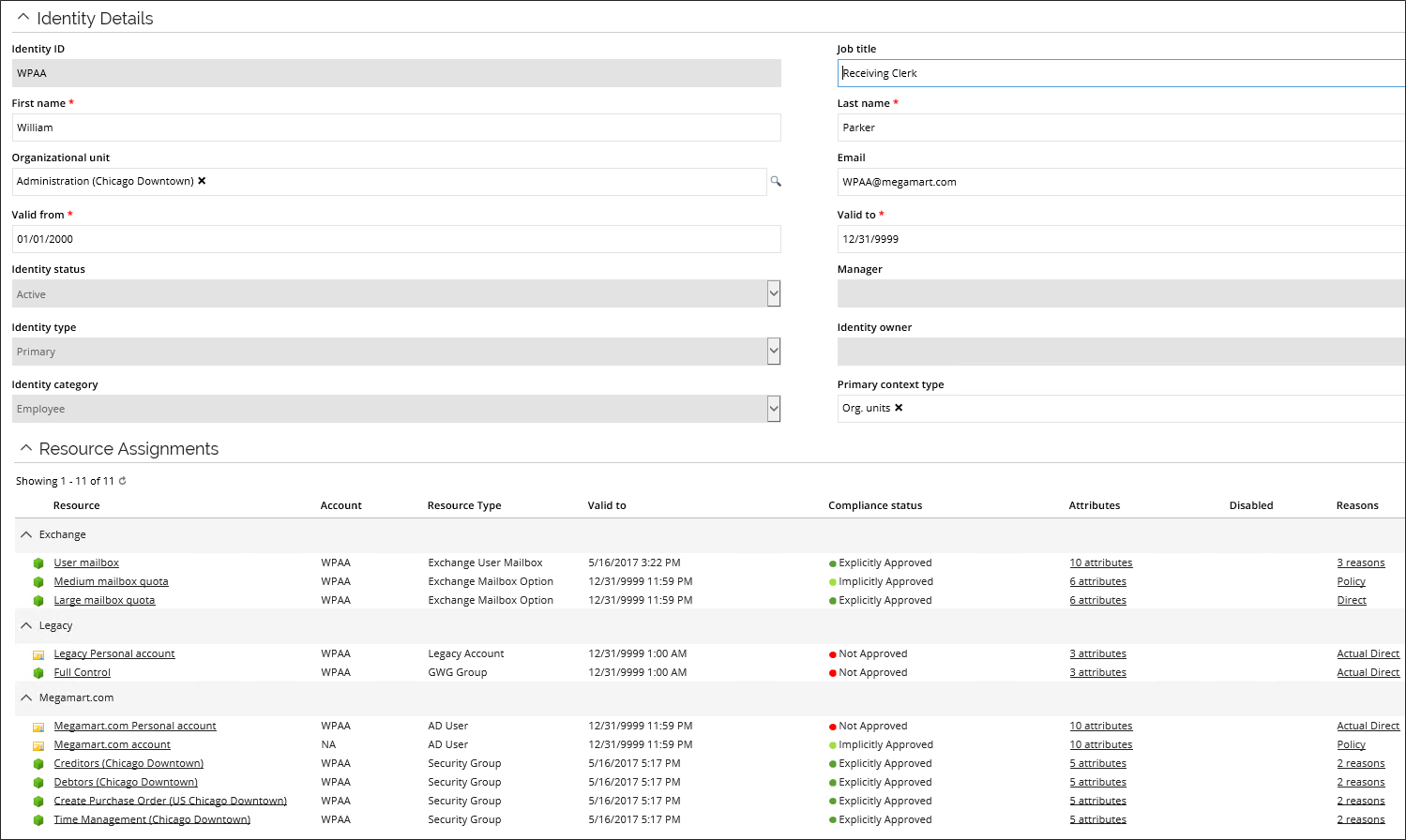
The calculated assignments generated by RoPE for an identity are available in the Resource assignment overview on the identity page.
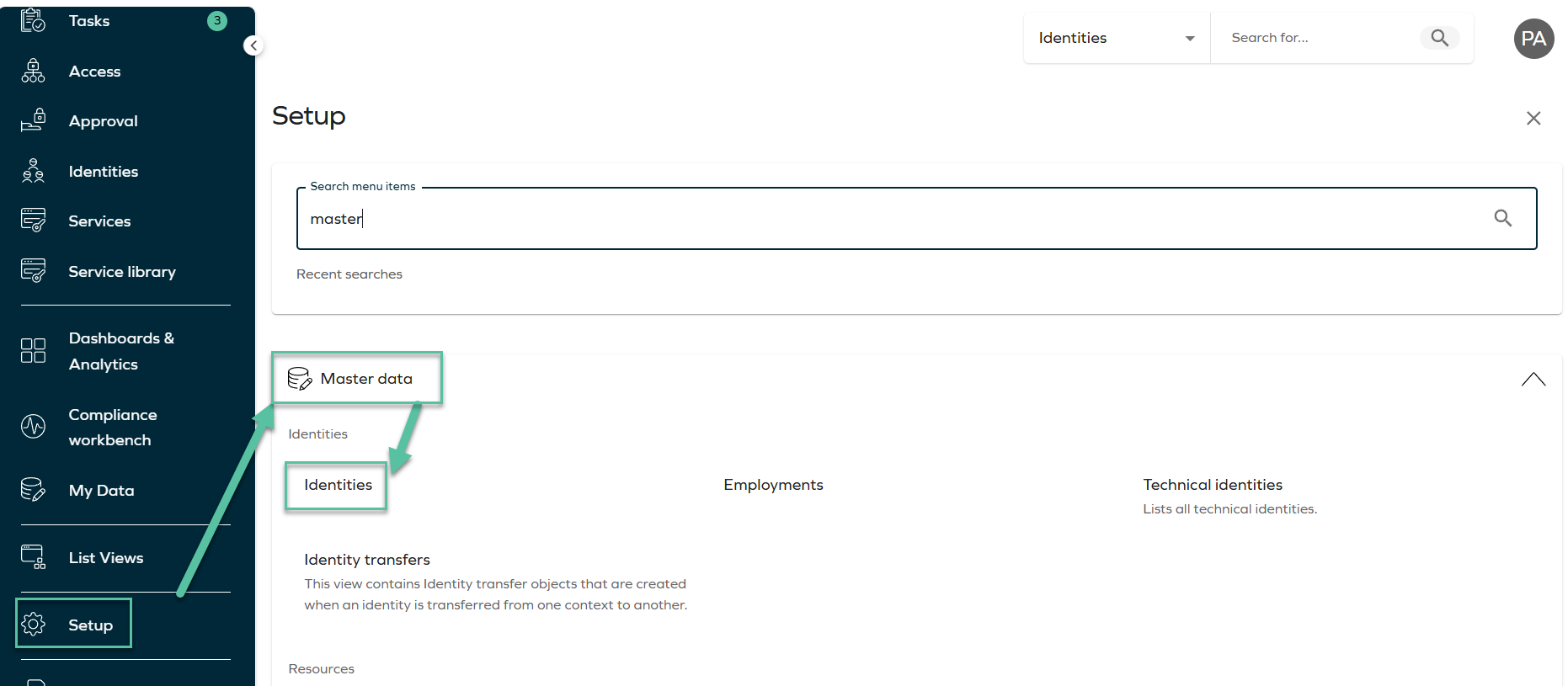
To open the overview, go to Setup > Master data > Identities, and select the relevant identity.
The overview provides information about the identity’s calculated resource assignments (CRAs), including account and permission assignments, and the following details:
- Assigned resources.
- Compliance status.
- Provisioning attribute values.
- Assignment reasons.
Assignments explorer
For more detailed information about the calculation:
-
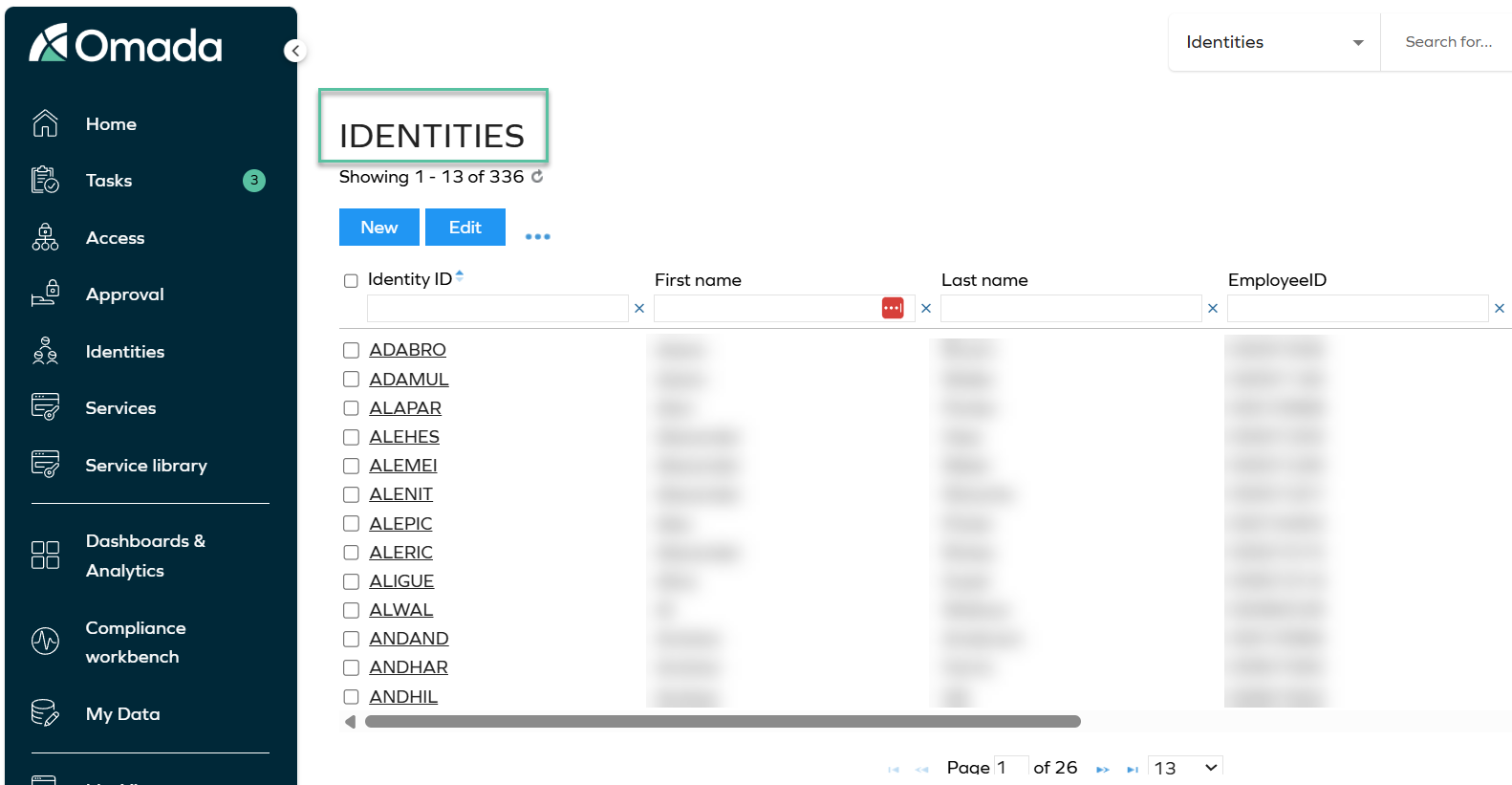
Go to Setup > Master data > Identities.
-
Select the relevant identity.
-
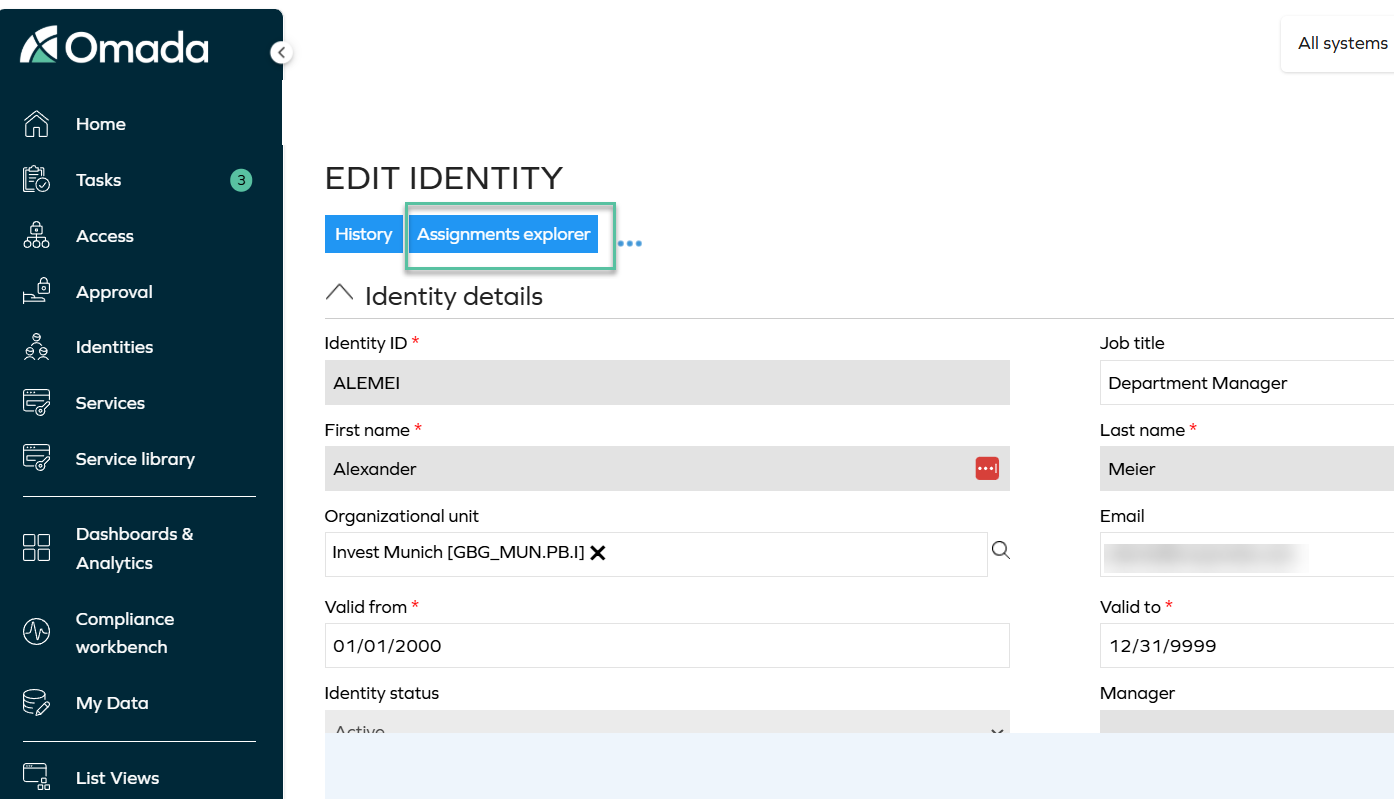
In the Edit identity view, select Assignments explorer.
The Calculated assignments dialog displays the assignments generated for the identity during the most recent completed RoPE calculation.
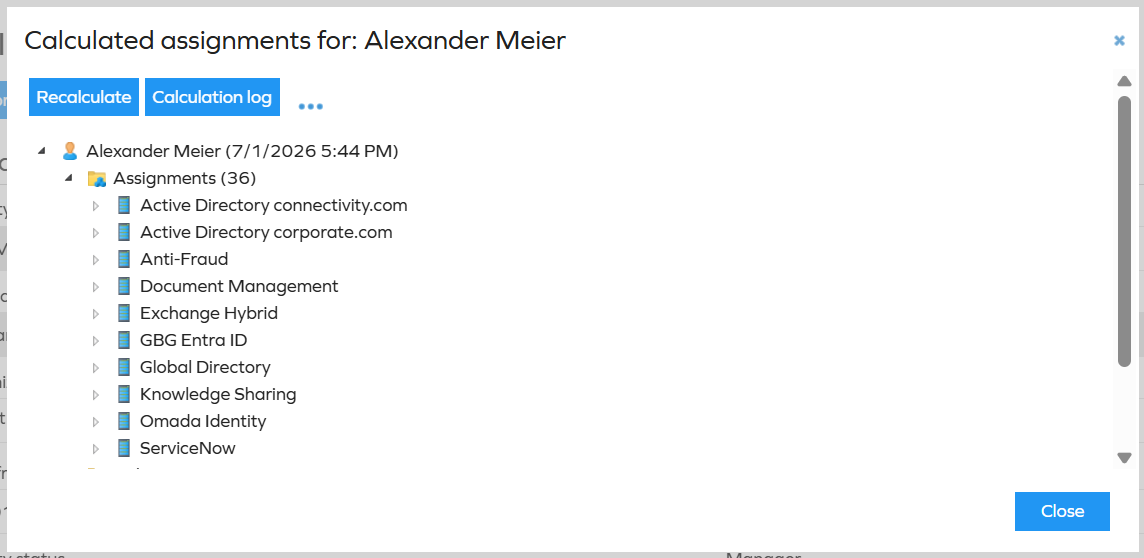
Expand the nodes in the assignment tree to inspect the calculated account and permission assignments.
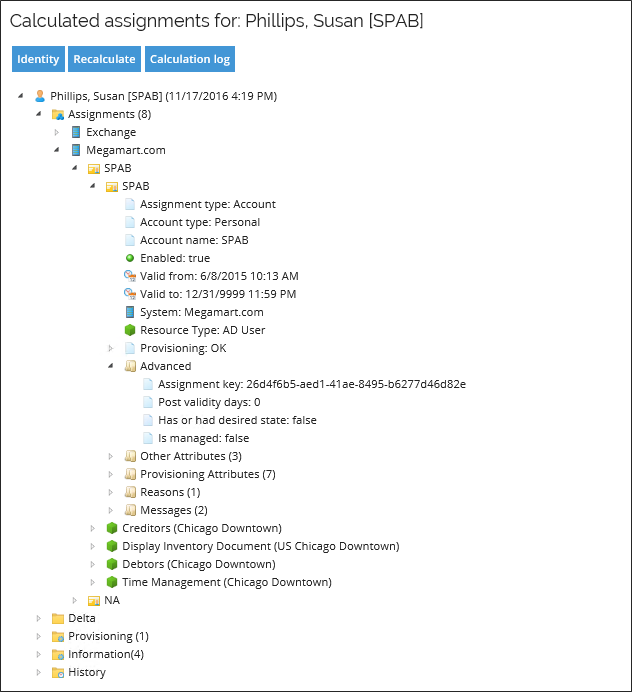
Delta
The Delta node contains assignments that changed during the most recent calculation.
Expand a modified assignment and select its Differences node to inspect the changes.
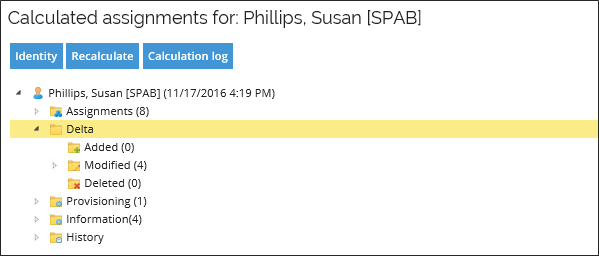
Differences
Each modified assignment has a Differences node that displays the specific differences compared with the previous calculation.
Use Differences when you need to determine what changed for an assignment between calculations, for example when an assignment attribute has received a new value.

Messages
The calculated assignments overview shows the number of Messages reported during the calculation.

Individual calculated account and permission assignments (CRAs) store messages generated while an identity is processed.
Use Messages to understand the conditions detected while RoPE processed an assignment and to interpret the calculation result. For example, messages can indicate discrepancies between the desired state in Omada Identity and the known actual state of an assignment.
For provisioning-specific information, including how to identify what triggered the Pending Update provisioning status, see Identifying what triggered Pending Update.
Recalculate
Select Recalculate in the Calculated assignments dialog to queue the identity for another RoPE calculation.
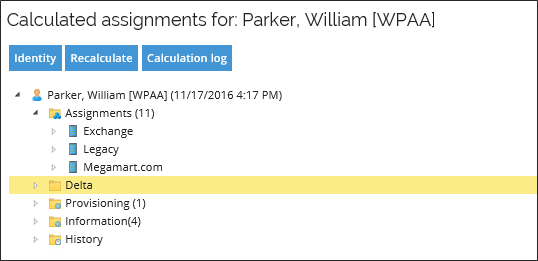
To queue an identity for recalculation, you must have the QueueIdentityForRecalculation permission. By default, this authorization element is assigned to the following roles:
- Administrators.
- Data Administrators.
- Operation Administrators.
- ServiceDesk.
The Recalculate option is hidden from users who do not have the required permission.
Calculation log
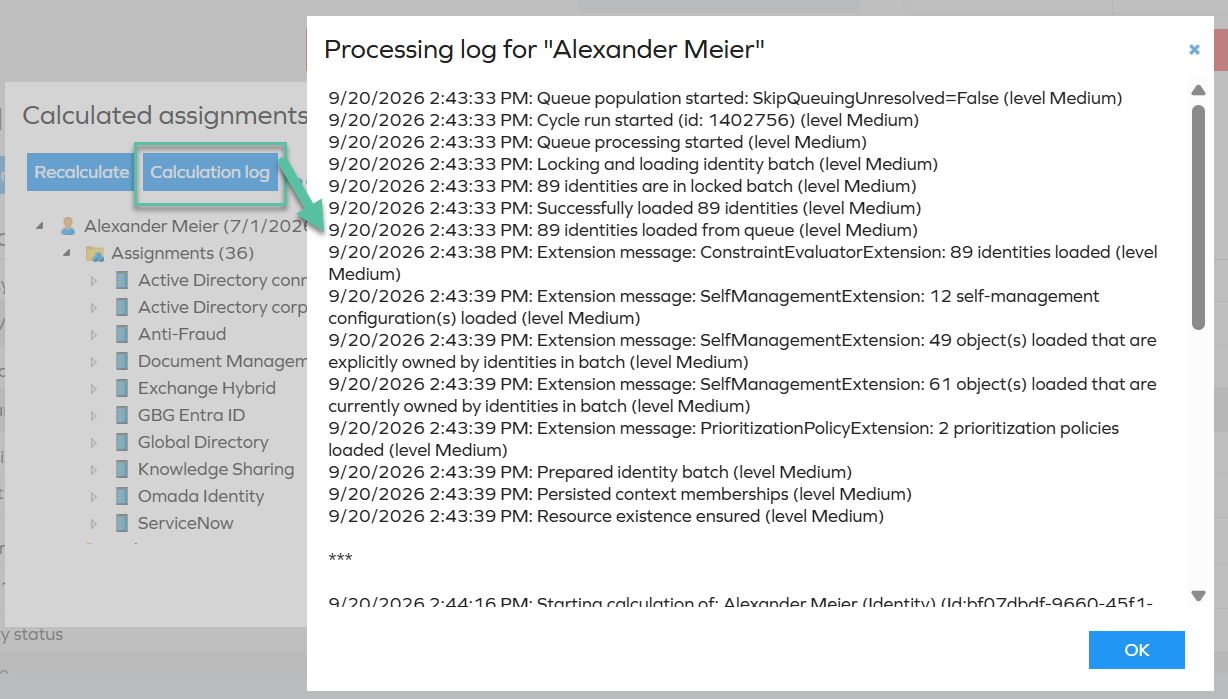
Select Calculation log in the Calculated assignments dialog to view the log entries generated during identity calculations.
The log provides information about the calculation process, including:
- When processing started.
- The calculation batch and processing level.
- The RoPE extensions that were executed.
- The processing stages completed during the calculation.
- Warnings and errors reported during processing.
The entries are displayed chronologically and include timestamps and log levels.
Calculation log errors
Errors recorded in the calculation log can help identify the calculation stage or RoPE extension that caused a problem.
Cleared - Identity doesn't exist
This message indicates that RoPE attempted to process an identity, but the identity was no longer available when processing occurred.
Cause
Identity-related changes are processed over time rather than immediately. When a change affects an identity, the identity may be queued for recalculation or further processing.
This message usually occurs when an automated purge process removes an identity from Enterprise Server (ES) before its deletion is communicated to RoPE or before RoPE completes its queued processing.
A typical sequence of events is:
- An identity is queued for processing.
- The identity is deleted and subsequently purged from ES. Deletion alone does not cause the issue as long as the identity has not been purged.
- RoPE performs the queued processing.
- RoPE can no longer find the identity and records
Cleared - Identity doesn't exist.
Deleted objects should not be purged immediately because RoPE may still have pending calculations for them. If an object is purged before RoPE processes its queued calculation, a temporary mismatch between the information in ES and RoPE can occur. This is typically caused by processing timing or an accelerated purge process rather than a product issue.
Impact
RoPE cannot complete the queued calculation because the identity no longer exists in ES. The corresponding calculation request is cleared.
Recommended action
- Identify the affected identity.
- Verify whether the identity still exists in ES.
- Take the appropriate action:
- If the identity exists, investigate why RoPE could not locate it during processing.
- If the identity has been purged, the message is expected. Confirm that any remaining references to the identity have been removed.
- Verify whether a custom or accelerated purge process caused the identity to be purged before its queued processing was completed.
Avoid using accelerated purge processes. ES performs the purge automatically and, by default, allows sufficient time for pending RoPE processing to complete.
Constraint evaluation
Constraint evaluation runs as the final step in the RoPE calculation process.
Auto-created account assignments created through resource assignments are not evaluated during this step. Therefore, they are not disabled even if their related resources violate constraints.
For a detailed explanation and a potential workaround, see Compliance status.